The AI accountant
Vouchers, invoices, supplier invoices, bank matching, VAT and payroll: the assistant prepares the entry and shows exactly what will be booked.
 Jobbsy
New: offers, extra work (ÄTA) and the AI assistant
Report time, check in on site and keep the books in one app. Now you can simply ask: the assistant finds the answer, prepares the change and waits until you confirm.
From quotes and work orders to the site staff register, profitability and e-invoices – in the same app.
Ask in your own words, in your own language. The assistant knows Jobbsy, your projects and your books – and only what your role may see.
Vouchers, invoices, supplier invoices, bank matching, VAT and payroll: the assistant prepares the entry and shows exactly what will be booked.
Take a photo of a receipt or an invoice. The assistant reads the amounts, the VAT and the supplier, checks for duplicates and prepares the booking.
Write or speak as you would to a colleague, in Swedish, English, Norwegian, Danish, Lithuanian, Ukrainian or Polish.
Every change is a card with Confirm and Decline. Decline and say what should be different, and the assistant prepares a new one.
A forgotten check-out, a missing workday, tomorrow's schedule: the assistant reminds each person and offers to prepare the fix.
The assistant sends invoices and reminders, reads the company inbox, summarises each email and suggests a reply for you to approve.
Speak your question instead of typing, and let the assistant read the answer aloud.
Each company's data is kept separate, and the assistant runs on Jobbsy's own servers in the EU.
“Report 8 hours today on the Solna project” or “Which invoices are overdue?”
It looks up what it needs and shows the change: what, where and how much.
Confirm, decline, or say what should be different. Nothing changes before that.
Their own time reports, check-in and check-out, schedule, expenses and materials, projects and notes – and help with the app.
Everything their role allows: the team, projects, reports, the books, invoices, email and the inbox, plus a daily overview.
Quote the job, get it signed online, report extra work apart and follow the project all the way to the paid invoice.
Build offers from your price list – hourly labour, fixed prices and materials – and see the totals, the VAT and your margin as you type. Your company details and logo on every offer and PDF.
The customer gets a secure link, opens it with their e-mail address, downloads the PDF and accepts with their name and signature. You are notified the moment they answer.
Work outside the quote is reported as extra work on time, materials and expenses, kept apart in every report, signed like an offer and invoiced on lines of its own.
Hours per person, ordinary and extra work, costs, offers, the team and who is checked in – for any period, with CSV and print.
An accepted offer becomes a project in progress, and is completed when the project's invoices are paid in Jobbsy Books. Archive what is done.
Send offers and invoices from your company's own e-mail account, or through Jobbsy's mail service with a subscription.
Field work in the app, office work on the web and in the desktop app.
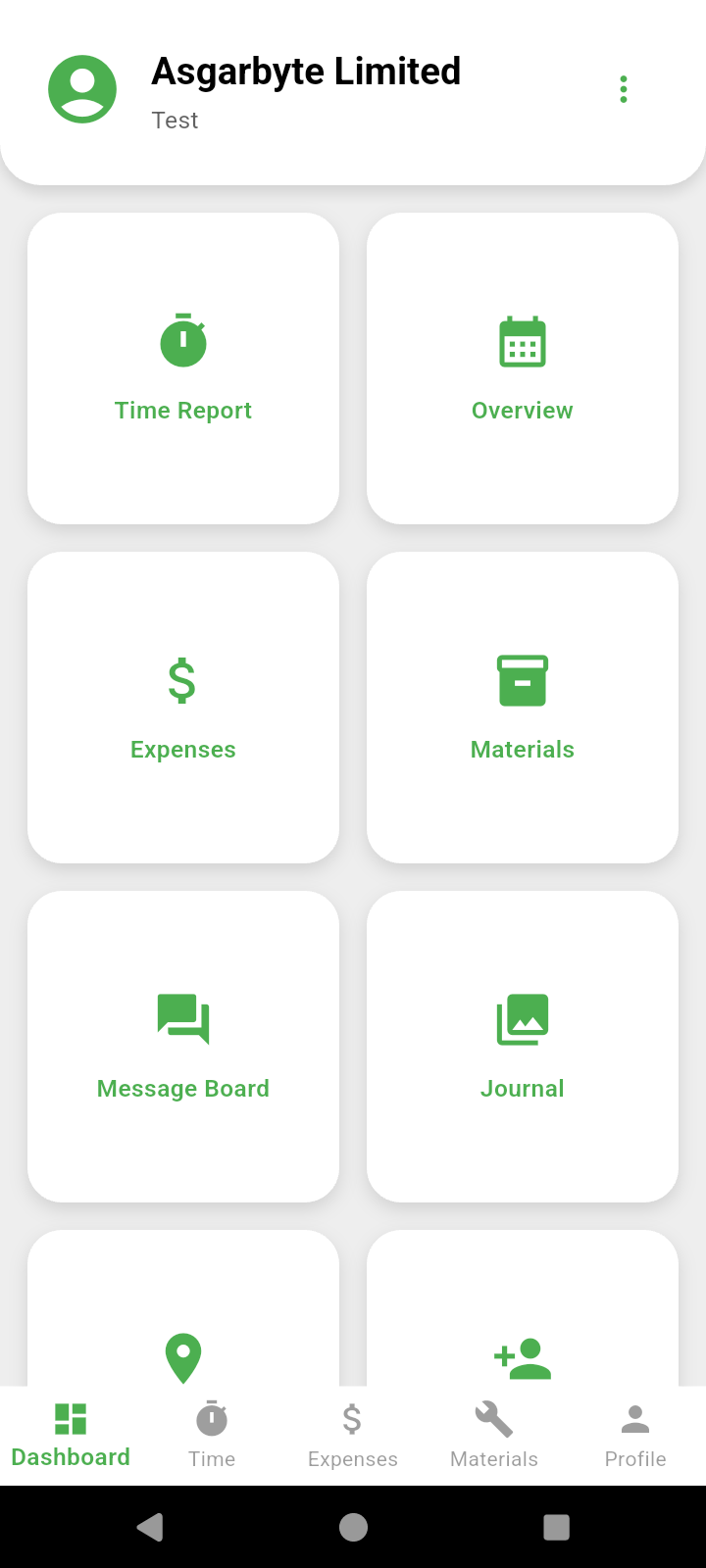
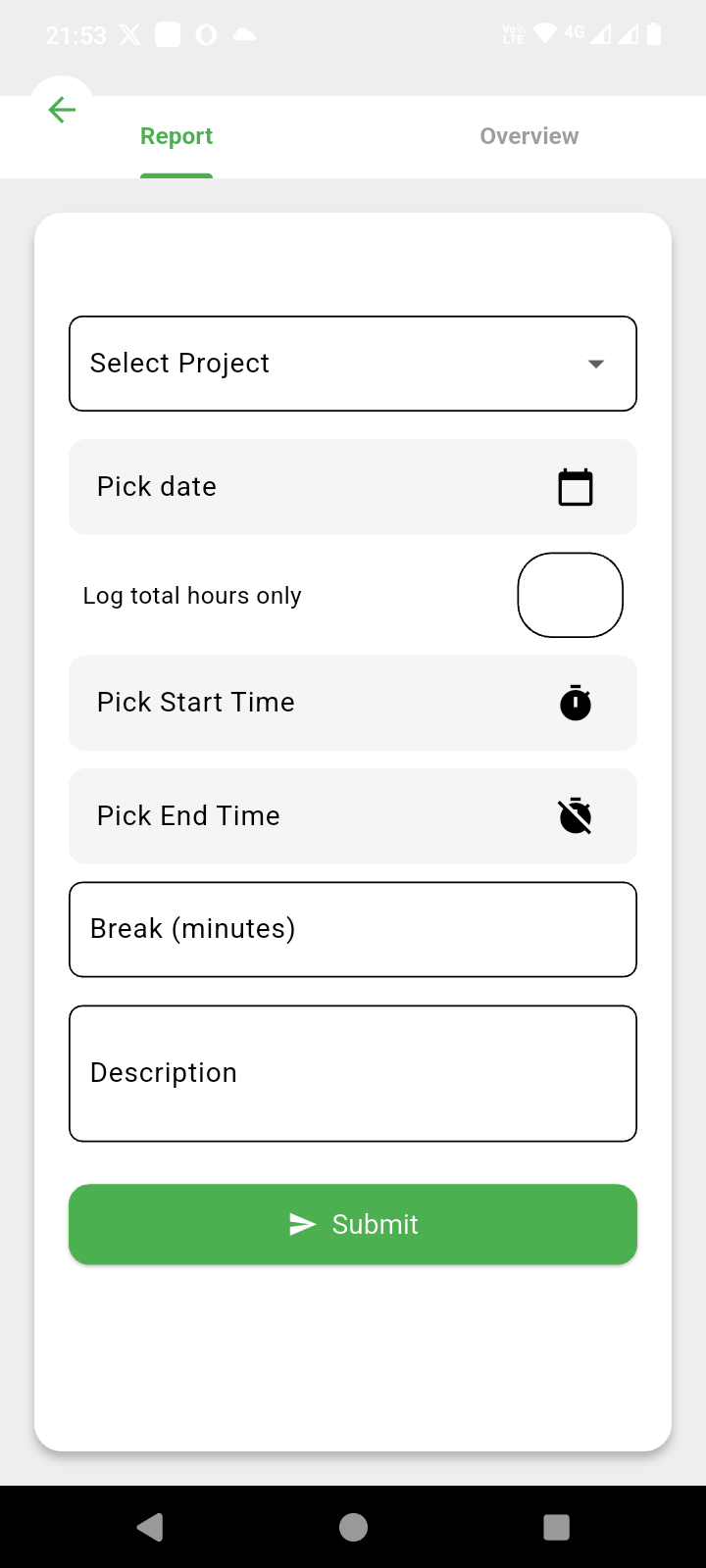
Time, total hours, absence, materials, expenses and photo journals – also offline.
QR or a GPS radius per project. Location is only used when a check-in needs it.
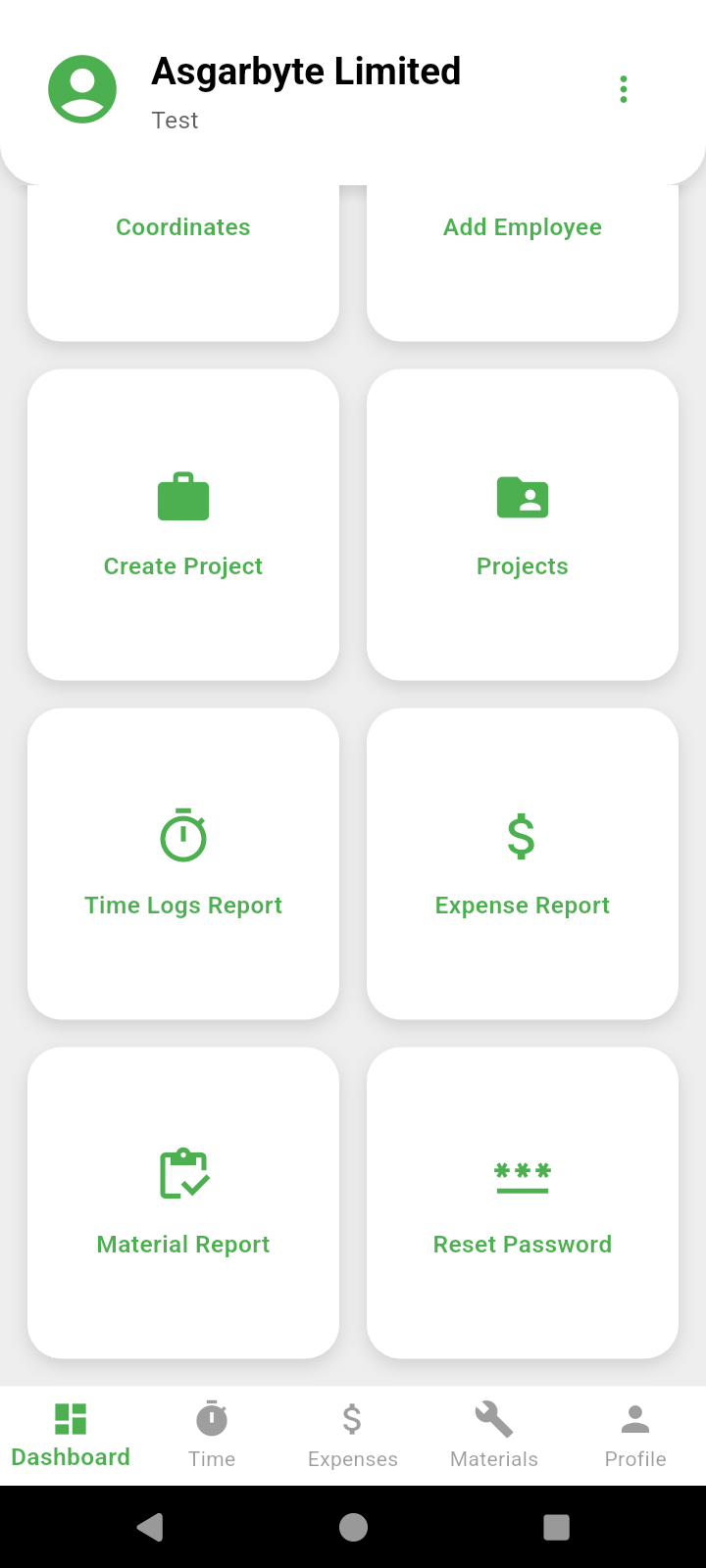
Projects, staff, live check-ins, schedules, reports and messages from the computer.
Full accounting for Sweden, Norway, Denmark and the UK: invoices, bank, VAT, payroll and year-end – on the web and on Windows and macOS.
Start free and subscribe in the app when you are ready.
No. It prepares a change and shows it as a card. Only when you press Confirm, or reply yes, does Jobbsy carry it out – with the same rules and permissions as when you do it yourself.
On Jobbsy's own AI servers in the EU. Each company's data is kept separate, and the assistant only sees what the signed-in person may see. Each person's conversations, memories and photos are theirs alone.
Swedish, English, Norwegian, Danish, Lithuanian, Ukrainian and Polish – the same as the app.
Their own time, check-ins, schedule, expenses, materials and projects, and questions about the app. No accounting and no one else's data.
Twelve months by default, and the company can choose a shorter or longer time. Anyone can delete their own conversations at any time.
No. Update the app, and the employer switches the assistant on in the settings.
No. The customer opens the secure link with the e-mail address you sent it to, reads the offer, downloads the PDF and signs. The time, the document's fingerprint and the signature are kept with the answer.
Employees mark time, materials and expenses as extra work, optionally on a specific ÄTA. The hours still count as worked time, but the project overview, the reports and the invoice show the extra work on its own.
Available on Google Play and the App Store. Employers and managers also log in on the web and in Jobbsy Books for Windows and macOS.


Write to support@jobbsy.se – we usually answer within one or two working days.